 Chrome extension · Manifest V3
Read the web like an open book
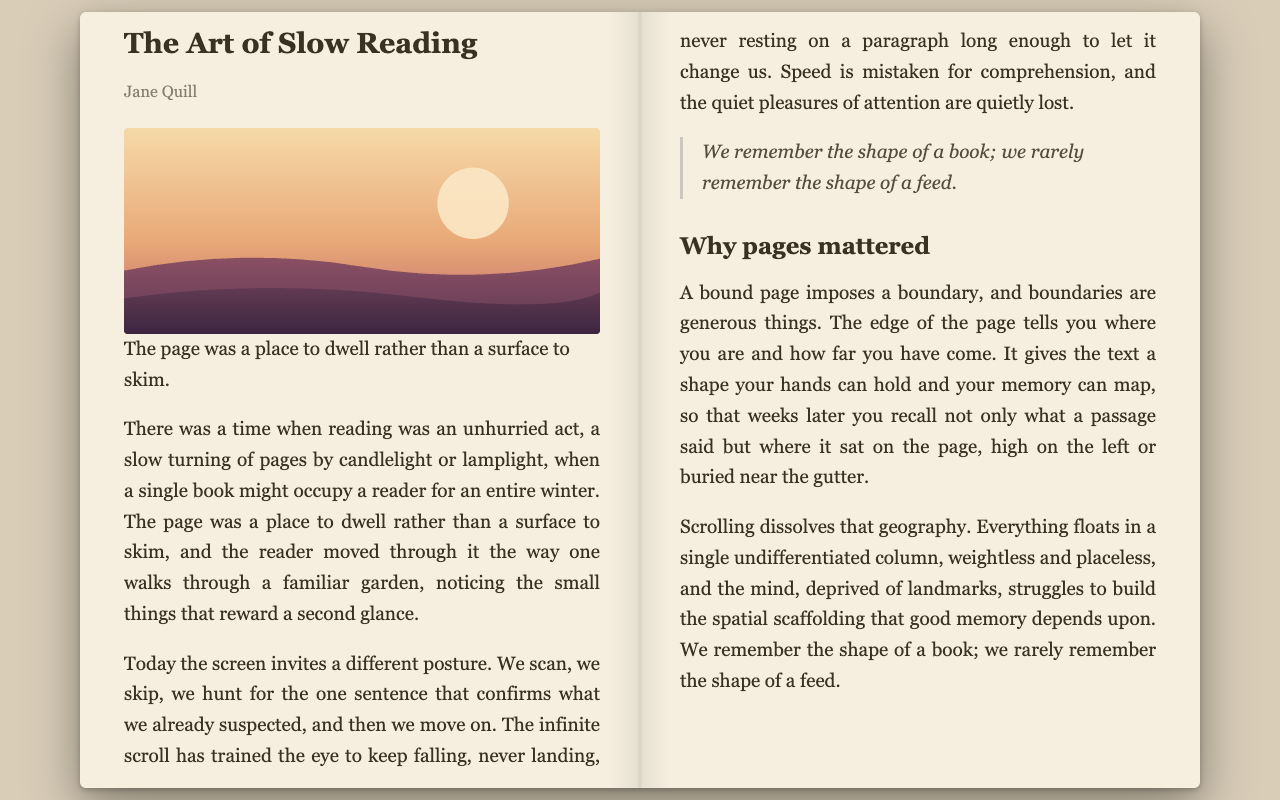
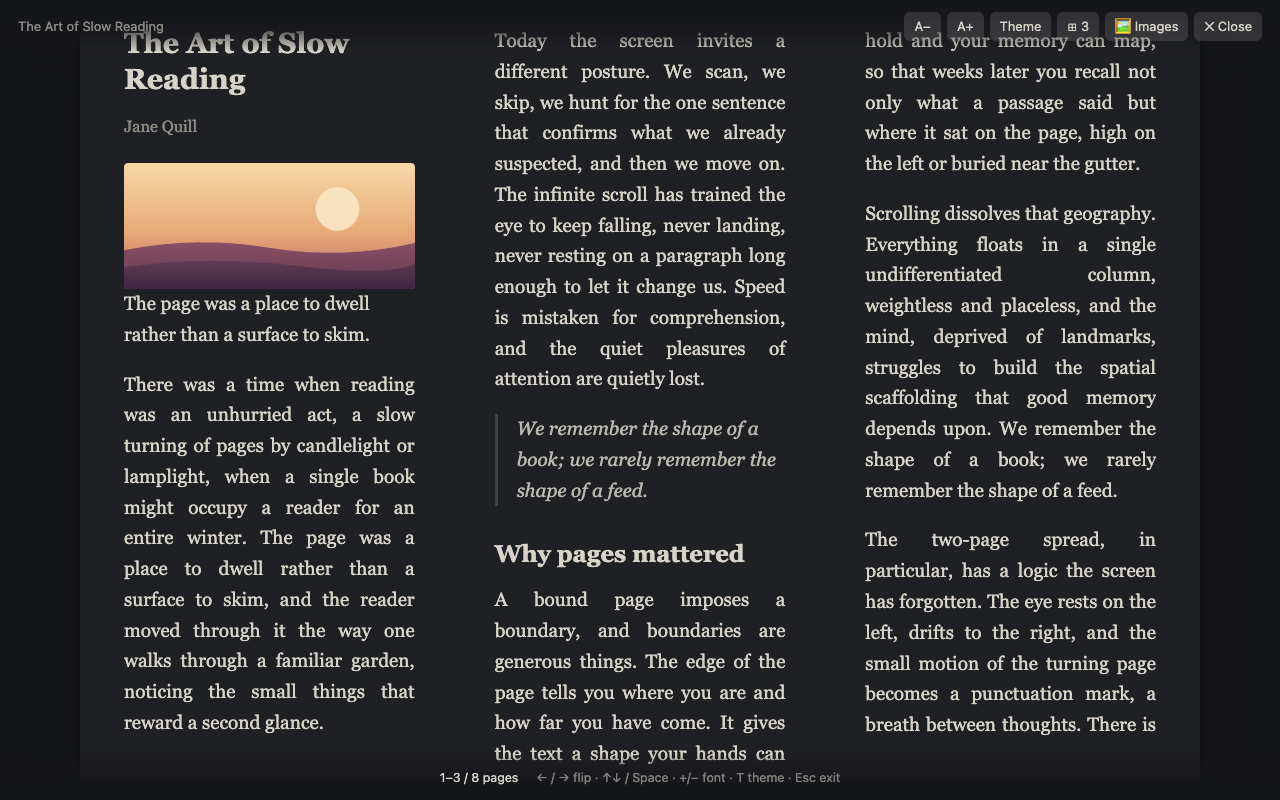
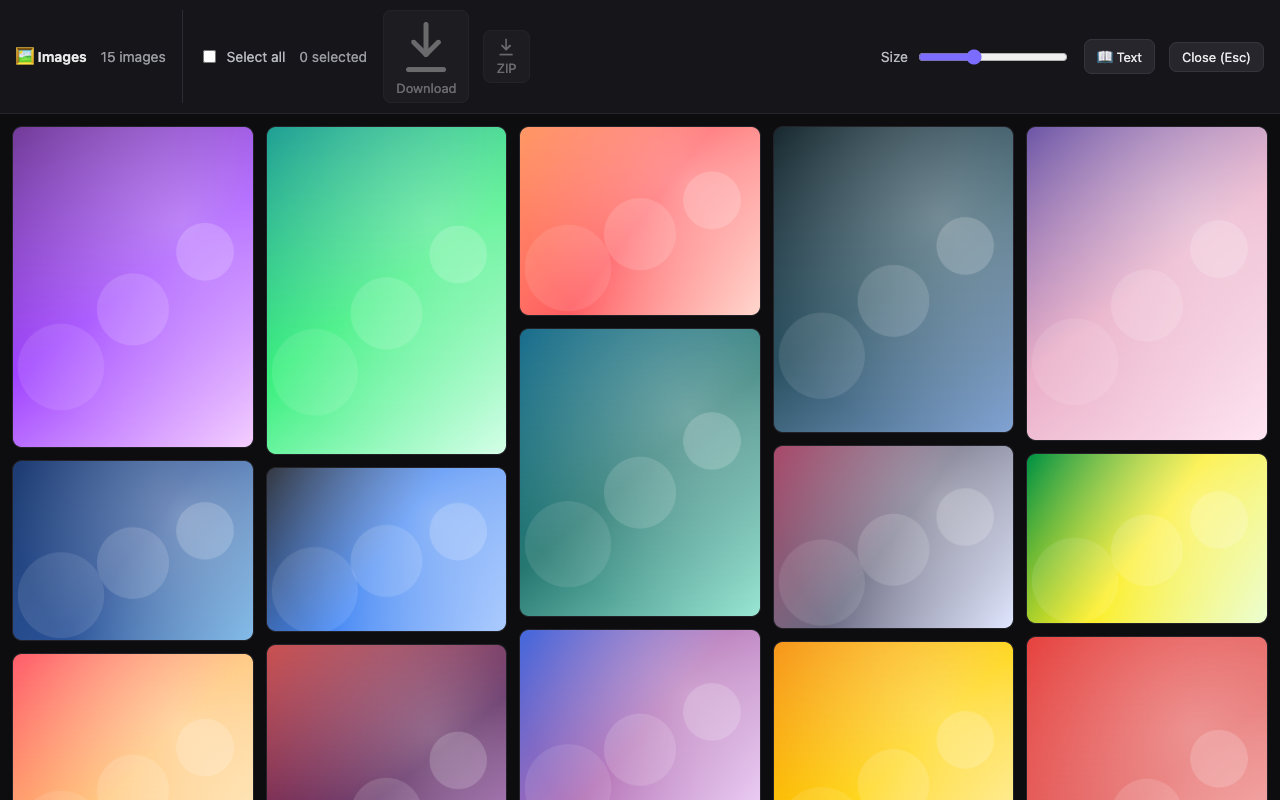
Open Book Reader turns any long article into a calm, two-page reading view you flip through with the arrow keys — plus an image-gallery mode for picture-heavy pages.
Listing pending Chrome Web Store review. This button will link to the store once it's live.
Two ways to read
Invoke it on demand — nothing runs on a page until you ask.
What you get
Small, fast, and built to stay out of the way.
Open-book text view
Readability-clean article text laid out in 2–4 columns per spread. Flip with the arrow keys, click zones, or Home/End.
Image-gallery mode
Collect a page's images into a Pinterest-style masonry wall with a full-screen lightbox. Download one or bundle a ZIP.
Paper, light & dark
Three themes, adjustable font size, column count, and book width — your preferences sync across devices.
Keyboard-first
Alt+B for the reader, Alt+Shift+B for the gallery. Works even on strict-CSP sites via Shadow DOM.
Private by design
Reading is fully local — nothing is collected or sent anywhere. Download permissions are requested only on first use.
Zero bloat
No build step, no tracking, no dependencies bundled. Just a tidy Manifest V3 extension.
Private by design 🔒
Open Book Reader collects nothing and sends nothing to the developer. Article extraction and gallery layout happen entirely in your browser. The only network activity is when you explicitly download images — and even then the bytes go only to your device.